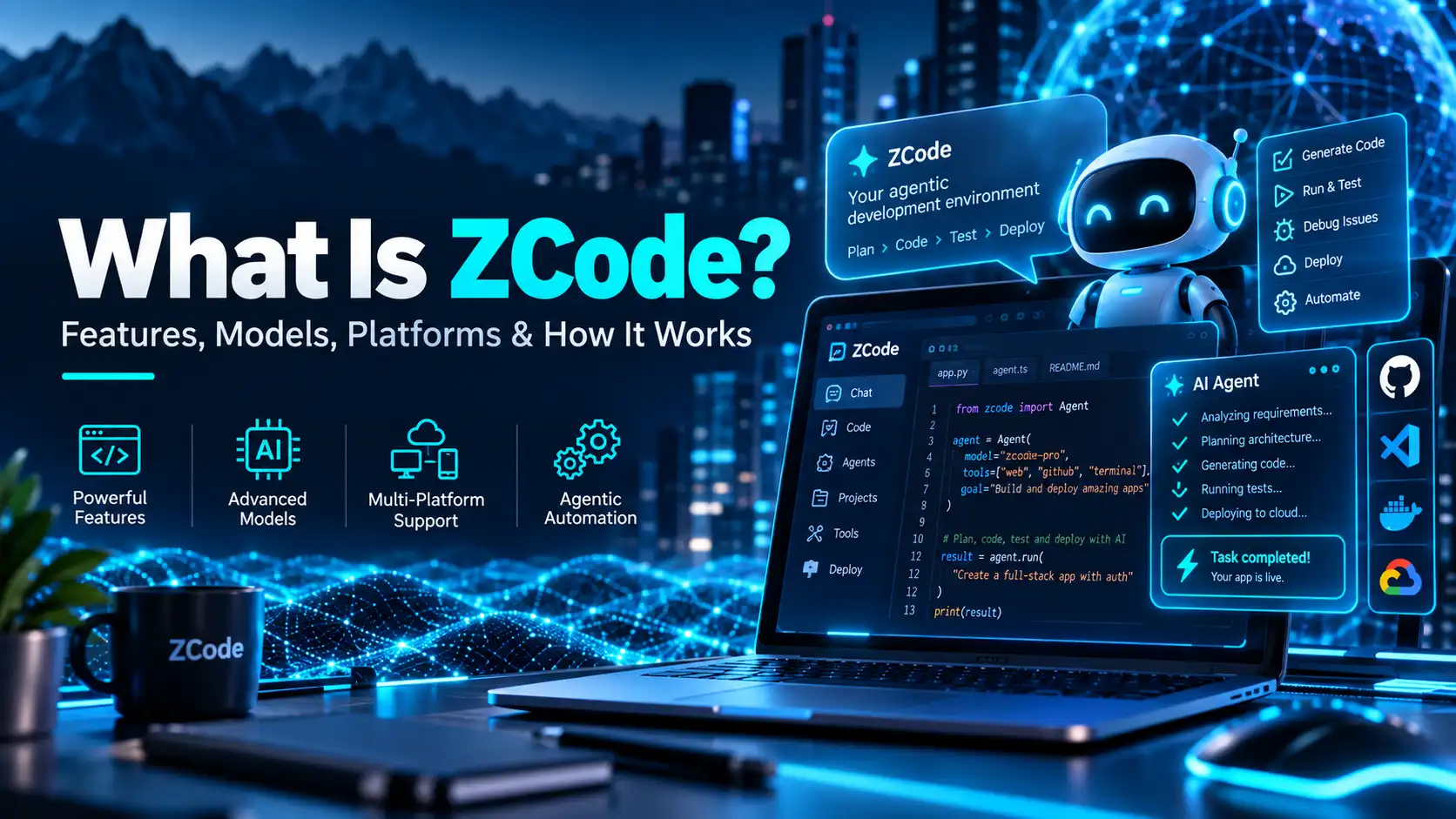
What Is ZCode? Features, Models, Platforms & How It Works
ZCode is Z.ai’s agentic development environment for software development with GLM models and other supported AI providers. It combines an AI coding agent with project files, terminal access, Git tools, browser control, remote development, memory, subagents and automation features inside one desktop application.
Z.ai describes ZCode as an Agentic Development Environment (ADE) rather than a conventional code editor with autocomplete. The difference is important: the ZCode Agent can plan work, make changes, run commands, inspect results and iterate across a development task.
Quick Answer
ZCode is Z.ai’s desktop development environment built around GLM-5.3 and agentic coding workflows. It supports Windows, macOS and Linux, includes four execution modes, and provides features such as Goal Mode, Browser Control, subagents, MCP, remote development, plugins, memory and automations.
What Is ZCode?
According to the official ZCode documentation, ZCode is an Agentic Development Environment designed for GLM-5.3. Its agent is intended to plan, code, test and iterate rather than simply suggest isolated code snippets.
ZCode also integrates development tools that are normally spread across several applications. Depending on the task, the agent can work with files, commands, Git branches, browser interactions, plugins, skills and remote environments.
What Can ZCode Do?
| Feature | What it does |
|---|---|
| ZCode Agent | Plans, edits, runs commands and iterates on development tasks |
| Goal Mode | Runs repeated work rounds toward a defined objective |
| Browser Control | Opens pages, clicks, fills forms, captures screenshots and verifies interfaces |
| Subagents | Delegates work to general-purpose or Explore agents |
| Memory | Stores project-level information for future sessions |
| Remote Development | Works through SSH, WSL or Docker environments |
| MCP | Connects compatible external tools and services |
| Plugins and Skills | Extends the development environment |
Which Platforms Does ZCode Support?
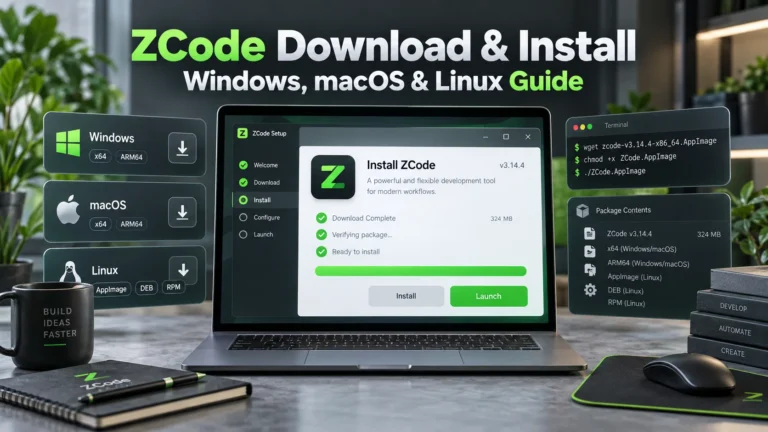
ZCode currently provides desktop downloads for macOS Apple Silicon, macOS Intel, Windows x64, Windows ARM64, and Linux x64 or ARM64. Linux is currently labeled Beta.
| Platform | Current support |
|---|---|
| macOS Apple Silicon | Supported |
| macOS Intel | Supported |
| Windows x64 | Supported |
| Windows ARM64 | Supported |
| Linux x64 / ARM64 | Beta |
ZCode version numbers can change quickly. As of October 2, 2026, the official changelog lists v3.14.4, released September 29, as the latest release. It is a small maintenance update focused on removing model-request verification for the free plan.
How the ZCode Agent Works
The ZCode Agent is the default first-party agent in the application. It can reference project files, use commands and skills, link previous conversations and switch between available models.
Users can also select a Git branch and adjust the model’s thought level. For GLM-5.3, current thought levels are Low, High and Max, with Max documented as the default.
ZCode Execution Modes
Current official documentation lists four execution modes. Some third-party pages have described five modes, but the official source reviewed for this guide documents four.
| Mode | Behavior |
|---|---|
| Ask before changes | Default mode; requests approval before making changes |
| Edit automatically | Allows automatic editing within the workspace |
| Plan mode | Focuses on planning before implementation |
| Full access | Provides the highest level of autonomy |
What Is Goal Mode?
Goal Mode lets a user set an objective with the /goal command. ZCode then runs work rounds toward that objective and checks for evidence that the task has actually progressed.
ZCode’s documentation distinguishes real verification evidence from a plan or a confident-sounding response. Changed files, command output and test results can count as evidence, while checklists or elapsed effort alone do not.
Only one goal can be active in a session. Goal Mode can be paused, resumed or cleared, and it cannot be set while the session is in Plan mode.
What Are ZCode Subagents?
ZCode includes built-in subagents for delegated tasks. The current documentation lists a general-purpose subagent and an Explore subagent for read-only research.
Custom subagents are also available in Beta. They can be configured with settings such as model, thought level, allowed tools, disallowed tools, maximum turns and MCP servers.
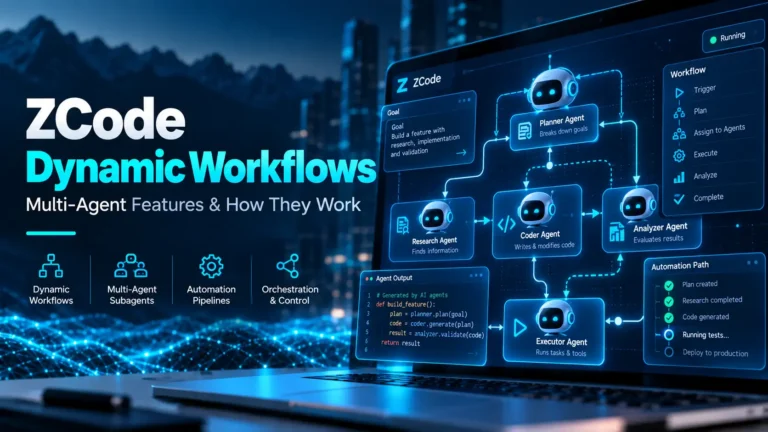
Subagents are also relevant to ZCode’s newer workflow system. Our ZCode Dynamic Workflows guide explains how workflows can orchestrate multiple subagents.
Browser Control in ZCode
ZCode includes a built-in browser feature that can open URLs, interact with pages, fill forms, take screenshots and help verify front-end work. The feature was renamed from Browser to Browser Control in ZCode v3.10.2.
This can be particularly useful when an agent needs to inspect the result of a web-development task rather than stopping after code generation.
Remote Development Support
ZCode supports remote development through SSH hosts, WSL distributions and local Docker containers. That gives developers a way to work in environments that are not stored directly on the local machine.
Memory and AGENTS.md Support
ZCode’s Project Memory is designed to accumulate useful project information over time. It is off by default, stored locally and applies to new sessions after it is enabled.
ZCode also reads AGENTS.md instructions from user and workspace locations. Current documentation says CLAUDE.md is not read at runtime, although a one-time migration path may be offered.
Which Models Does ZCode Use?
ZCode is deeply integrated with GLM-5.3 and GLM-5.3-Flash. GLM-5.3 is the flagship coding and reasoning model, while GLM-5.3-Flash adds native multimodal support for screenshots, images and other visual input. For the model’s pricing, multimodal capabilities and Coding Plan availability, see our GLM-5.3-Flash guide.
ZCode also documents support for models from other providers, including Claude and GPT-family models. Availability and configuration can depend on the provider and account setup.
For the wider model ecosystem, see our What Is Z.ai? overview.
Is ZCode Free?
The ZCode desktop application is available to download without a separate app purchase, and new users currently receive a five-day trial. The trial includes daily allowances for GLM-5.3 and GLM-5-Turbo according to current ZCode documentation.
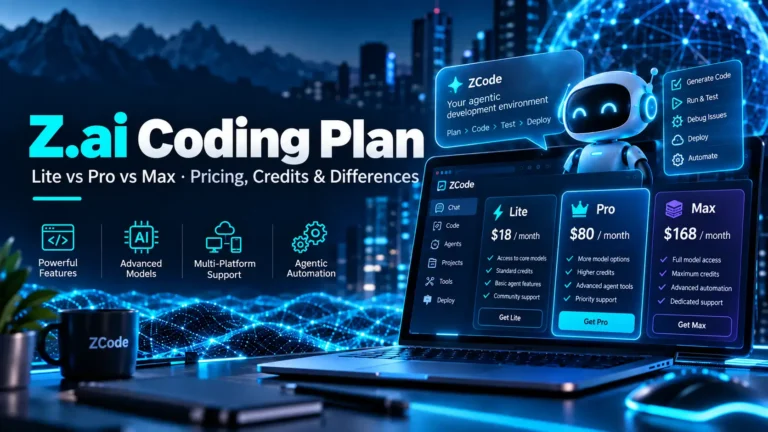
Continued model usage beyond the trial generally requires compatible model access, such as the GLM Coding Plan. The plan itself has Lite, Pro and Max tiers, which we compare in our Z.ai Coding Plan pricing guide.
ZCode and the GLM Coding Plan
ZCode works with the GLM Coding Plan, but ZCode usage has its own plan treatment. Current Z.ai tool documentation lists ZCode at 1.5× usage. An older launch announcement described a limited-time 1.5× boost through August 31, while the current supported-tool list still showed 1.5× when the research for this article was compiled.
Because those official sources are not perfectly aligned, the safest interpretation is that ZCode is currently listed at 1.5× usage and that users should confirm the current rule before relying on it for quota calculations.
ZCode Usage Stats
ZCode now includes a Usage Stats area with separate App Usage and Coding Plan views. App Usage summarizes local sessions, messages, token use, active days and model distribution. The Coding Plan view shows five-hour and weekly quota status, model consumption, MCP tool usage and eligible quota reset cards.
This is useful for users who want to understand how much GLM-5.3 or GLM-5.3-Flash quota their ZCode work is consuming without relying on a third-party usage tracker.
Recent ZCode Updates
ZCode has been changing quickly. The official ZCode changelog shows recent updates adding PDF preview, Plan Mode, queued messages, dynamic workflows, Office and Coding modes, custom keyboard shortcuts, remote-control improvements and workflow concurrency controls.
| Date | Release | Notable changes |
|---|---|---|
| Sep. 4, 2026 | v3.11.2 | PDF/media preview, workspace plugins, browser window sizing |
| Sep. 17, 2026 | v3.12.3 | Plan Mode and queued messages |
| Sep. 19, 2026 | v3.14.0 | Dynamic workflows, Office/Coding modes, custom shortcuts |
| Sep. 22, 2026 | v3.14.1–3.14.3 | Workflow concurrency, status and reuse improvements |
| Sep. 29, 2026 | v3.14.4 | Free-plan model-request verification fix |
Who Is ZCode For?
ZCode is most relevant to developers who want an agentic coding environment rather than a simple inline code assistant. It may be useful for developers working with GLM models, users who want browser and terminal integration, and people experimenting with multi-agent software-development workflows.
Users who only need occasional chat-based coding help may not need a dedicated environment. In that case, Z.ai Chat or another compatible coding tool may be enough.
Frequently Asked Questions
What is ZCode?
ZCode is Z.ai’s Agentic Development Environment for AI-assisted software development. It combines an AI coding agent with files, terminal access, Git, browser control, remote development, memory and automation features.
Does ZCode work on Windows?
Yes. ZCode currently provides Windows x64 and Windows ARM64 downloads.
Does ZCode work on Linux?
Yes, but Linux support is currently labeled Beta. ZCode provides x64 and ARM64 Linux packages.
Is ZCode free?
The app can be downloaded without a separate app purchase, and new users currently receive a five-day model trial. Ongoing model usage generally requires compatible paid or API access.
How many execution modes does ZCode have?
Current official ZCode documentation lists four execution modes: Ask before changes, Edit automatically, Plan mode and Full access.
Does ZCode support Claude or GPT models?
Current ZCode documentation says other providers’ models, including Claude and GPT, can also be used in the model picker depending on configuration and access.
Bottom Line
ZCode is one of the most substantial products in the Z.ai ecosystem. Its focus is not only code generation but an agentic workflow that can plan, modify files, run commands, use browser tools, delegate to subagents and work toward larger development objectives.
If you are comparing the development environment with the wider Z.ai platform, start with our Z.ai ecosystem guide and then use the Coding Plan article for current subscription limits and pricing.


5 Comments