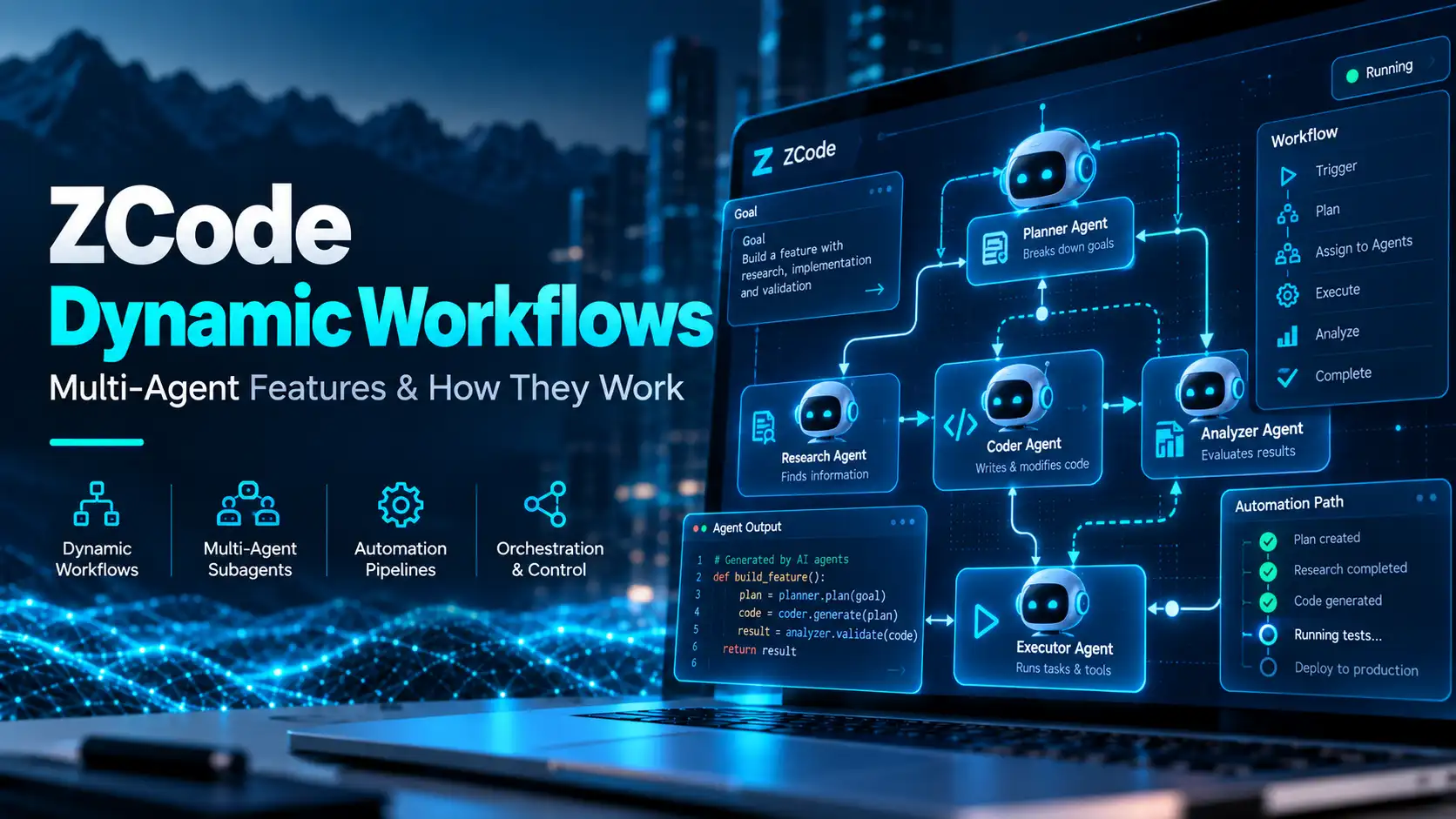
ZCode Dynamic Workflows Explained: Multi-Agent Features & How They Work
ZCode Dynamic Workflows are a newer multi-agent feature designed to orchestrate multiple subagents through a reusable workflow. Z.ai introduced the feature in ZCode v3.14.0 on September 19, 2026, then followed with workflow-related improvements in v3.14.1 and v3.14.3 on September 22.
The feature matters because it moves ZCode beyond single-agent coding sessions. Instead of manually coordinating each subtask, a workflow can organize several subagents through one script, stream progress and be saved for reuse.
Quick Answer
ZCode Dynamic Workflows let users orchestrate multiple subagents through a reusable workflow script. The feature was introduced in ZCode v3.14.0 with the /workflow command, progress streaming and saved workflows. Later v3.14.x updates added concurrency and status improvements.
What Are ZCode Dynamic Workflows?
The official ZCode changelog describes dynamic workflows as a way to use a single script to orchestrate multiple subagents.
In practical terms, that means a larger development task can be broken into smaller delegated pieces, coordinated through one workflow, and monitored as work progresses.
When Were Dynamic Workflows Added?
Dynamic workflows arrived in ZCode v3.14.0 on September 19, 2026. The same release added the /workflow command, reusable saved workflows, Office and Coding modes, custom keyboard shortcuts and other product changes.
On September 22, ZCode v3.14.1 and v3.14.3 added workflow concurrency controls, improved workflow reuse, better real-time status for larger workflows and submission-efficiency improvements. ZCode v3.14.4 followed on September 29 as a small maintenance release and did not announce additional workflow features.
| Date | Version | Workflow change |
|---|---|---|
| Sep. 19, 2026 | v3.14.0 | Dynamic workflows, /workflow command, reusable workflows, progress streaming |
| Sep. 22, 2026 | v3.14.1 | Workflow concurrency and reuse improvements |
| Sep. 22, 2026 | v3.14.3 | Real-time workflow status and submission-efficiency improvements |
How Do ZCode Workflows Relate to Subagents?
Workflows build on ZCode’s broader subagent system. Current ZCode documentation includes a general-purpose subagent and an Explore subagent, while custom subagents are available in Beta.
The official ZCode Subagents documentation explains that subagents can be configured with settings such as model, thought level, tool access, maximum turns and MCP servers.
Dynamic workflows are different from simply launching one subagent. The workflow feature is designed to coordinate multiple subagents together through a reusable orchestration layer.
What Does the /workflow Command Do?
ZCode v3.14.0 introduced a /workflow command as part of the new workflow system. The changelog confirms the command and the broader workflow feature, but the research reviewed for this article did not find a dedicated public workflow documentation page with a complete command reference.
That documentation gap is important. We can confirm that the command exists, but we should not invent workflow syntax, flags or script formats that the official docs have not documented publicly.
Reusable Workflows
ZCode says workflows can be saved and reused. This is useful for recurring development processes where the same sequence of delegated tasks may need to run across different projects or repeated iterations.
For example, a workflow could conceptually coordinate research, implementation and review phases using separate subagents, although the exact supported workflow syntax should be taken from current ZCode documentation rather than assumed.
Workflow Progress Streaming
Progress streaming was part of the v3.14.0 workflow release. Later updates added better real-time status for larger workflows, which suggests ZCode is focusing not only on orchestration but also on making long-running multi-agent work easier to monitor.
Workflow Concurrency
The September 22 updates added adjustable workflow concurrency. That gives users more control over how many workflow tasks can run in parallel.
Concurrency can matter in multi-agent systems because more parallel work may improve speed, while also increasing model usage and resource demand. The exact effect on a user’s Coding Plan quota depends on the models and tools used by the workflow.
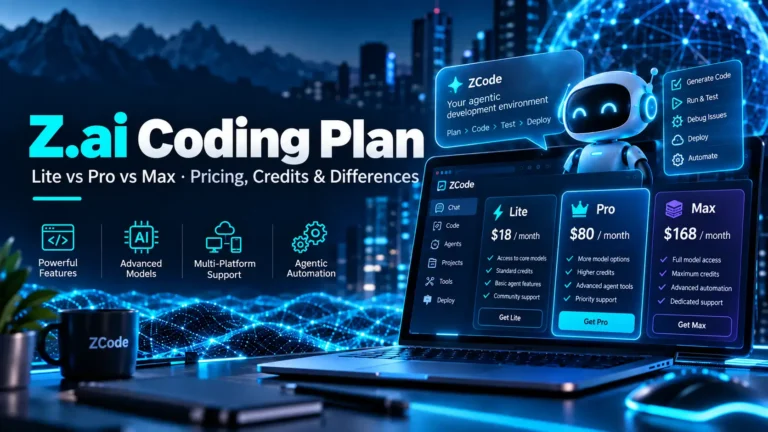
For current plan limits and model multipliers, see our Z.ai Coding Plan guide.
Dynamic Workflows vs Goal Mode
Dynamic workflows and Goal Mode are related to agentic automation, but they are not the same feature.
| Feature | Main purpose |
|---|---|
| Goal Mode | Runs repeated rounds toward one defined objective and verifies progress |
| Subagents | Delegates specific work to another agent |
| Dynamic Workflows | Coordinates multiple subagents through a reusable workflow |
Goal Mode is centered on an objective for the current session. Dynamic workflows are more about orchestration across several delegated tasks.
Dynamic Workflows vs Subagents
A subagent is one delegated worker. A workflow is the coordination layer that can organize several workers together.
ZCode’s built-in subagents include general-purpose and Explore agents, and custom subagents are available in Beta. Current documentation also says a subagent cannot spawn another subagent, which makes top-level orchestration especially relevant for multi-agent work.
Do Workflows Use GLM-5.3?
ZCode is built around GLM-5.3 and also supports GLM-5.3-Flash and other configured model providers. The exact model used by a workflow can depend on how the participating agents are configured. Our GLM-5.3-Flash guide covers the multimodal model separately.
For a broader explanation of the development environment, models and platform support, read our What Is ZCode? guide.
Can Dynamic Workflows Use Custom Subagents?
ZCode supports custom subagents in Beta, and the current Subagents documentation now explains model selection, thinking effort, tool permissions, MCP access, maximum turns and foreground/background execution. However, ZCode still does not publish a dedicated workflow page describing every supported workflow combination or script rule.
That means custom-subagent support should be checked against the latest documentation before building a production workflow around a specific configuration.
What Are Office and Coding Modes?
ZCode v3.14.0 also introduced Office and Coding modes. These were released alongside dynamic workflows, but they are separate product modes rather than another name for the workflow feature.
The same release also added custom keyboard shortcuts, onboarding changes, remote-control improvements and Computer-Use enhancements.
What Is Still Not Documented Clearly?
As of October 2, 2026, the ZCode public documentation still does not include a dedicated Dynamic Workflows documentation page. The official changelog remains the main first-party source describing the workflow feature itself, while the separate Subagents documentation explains the agents that workflows can coordinate.
Because of that, several details should not be guessed, including exact workflow script syntax, every available workflow parameter and any undocumented limits beyond what Z.ai has published in the changelog.
Why Dynamic Workflows Matter
AI coding tools are moving from single-prompt assistance toward longer, multi-step agentic work. Dynamic workflows are ZCode’s attempt to make that process more structured by letting several subagents participate in one reusable workflow.
For developers who repeatedly perform the same multi-step process, reusable orchestration could be more practical than rebuilding the task manually in every session.
For readers new to the wider platform, our Z.ai overview explains how ZCode, GLM models and the Coding Plan fit together.
Frequently Asked Questions
What are ZCode Dynamic Workflows?
Dynamic Workflows are a ZCode feature for orchestrating multiple subagents through a reusable workflow script with progress streaming and saved workflows.
When were ZCode Dynamic Workflows released?
They were introduced in ZCode v3.14.0 on September 19, 2026. Workflow-related improvements followed in v3.14.1 and v3.14.3 on September 22.
What is the /workflow command?
ZCode introduced the /workflow command with the dynamic workflows feature. The public changelog confirms the command, but the research reviewed did not find a complete dedicated workflow command reference.
Are Dynamic Workflows the same as Goal Mode?
No. Goal Mode runs repeated rounds toward one objective, while Dynamic Workflows are designed to coordinate multiple subagents through a reusable workflow.
Can ZCode workflows run tasks in parallel?
Yes. September 22 updates added adjustable workflow concurrency, allowing more control over parallel workflow execution.
Does ZCode have full public documentation for workflows?
As of October 2, 2026, ZCode still does not publish a dedicated Dynamic Workflows page, so the official changelog remains the main first-party source for the workflow feature itself.
Bottom Line
ZCode Dynamic Workflows are a meaningful step toward more structured multi-agent development inside ZCode. The current feature set includes multi-subagent orchestration, reusable workflows, progress streaming and adjustable concurrency.
The biggest limitation for now is documentation depth. Z.ai has announced and updated Dynamic Workflows through its changelog, but a full public workflow guide was still not available when this article was rechecked on October 2, 2026. That makes it especially important to verify current ZCode documentation before relying on undocumented workflow syntax or limits.
3 Comments